SQLMap Guide for Developers: From SQL Injection Detection to Database Enumeration
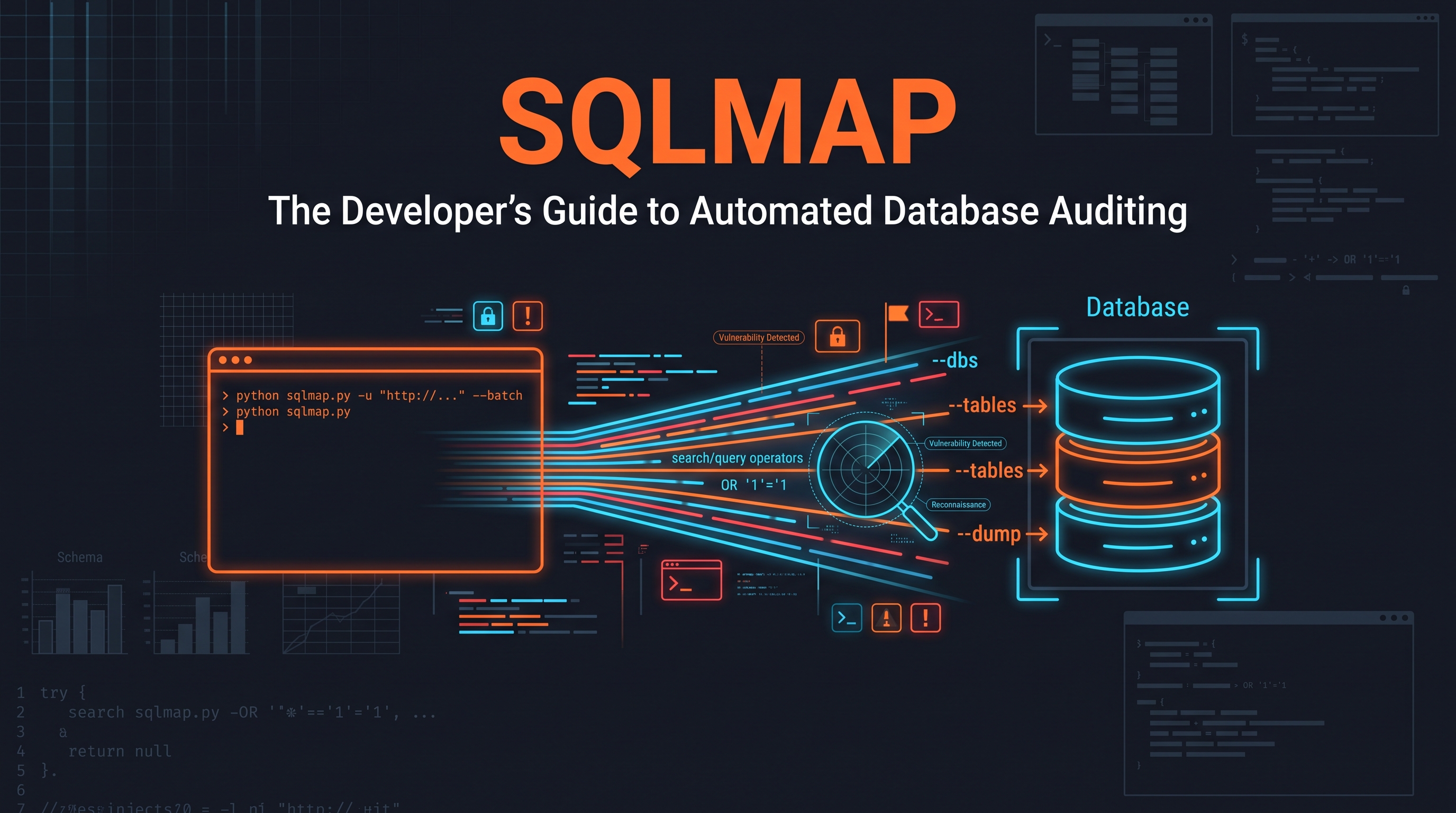
Important: sqlmap is a powerful security testing tool. Using it against systems without explicit authorization can have serious legal consequences. Before experimenting with security tools, it is strongly recommended to use an isolated lab environment such as Kali Linux or Ubuntu in a virtual machine. The examples below are intended solely for authorized security testing of your own applications and deliberately vulnerable labs.
Part 1: A Developer's Guide to sqlmap
I have already covered what SQL injection is in one of my previous posts. Today, let's go deeper into how developers and security engineers can detect this class of vulnerability in practice.
In real-world testing, nobody wants to manually insert random quotation marks into every URL parameter. Specialized tools automate much of this work and can systematically test whether user-controlled input reaches a database in an unsafe way. One of the most well-known tools for this purpose is sqlmap.
What is sqlmap?
sqlmap is a CLI tool written in Python that can automatically detect and test SQL injection vulnerabilities.
If an application incorrectly passes user-controlled data to a database query, sqlmap can often identify suspicious behavior very quickly.
For developers, the important lesson is not simply how to run the tool, but what its findings tell you about input validation, query construction, ORM configuration, and database user privileges.
Step 1: Reconnaissance
Before starting a security test, you need to identify an application endpoint where user-controlled parameters are processed.
For example, an application URL might look like this:
https://your-site.example/news.php?id=123
https://your-site.example/product.php?cat=electronics&item=45
Everything after the question mark represents query parameters. In the first example, id=123 tells the server which resource should be requested. Somewhere behind that request, the application may construct a database query.
This is exactly where developers need to pay attention: if external input is concatenated directly into SQL instead of being handled safely, the application may become vulnerable to SQL injection.
For authorized assessments, automated discovery tools and security scanners can help identify candidate parameters. The key principle is to test only applications and environments for which you have explicit permission.
How can you check a suspicious parameter manually?
A classic first indication of an SQL injection issue is that unexpected input causes a database-related error, changes the application's response structure, or leads to unexpected missing content.
Database errors should never be exposed to end users in production. They can reveal implementation details and make further vulnerability research significantly easier.
Step 2: Running sqlmap
For an authorized test target, a basic sqlmap invocation can look like this:
python sqlmap.py -u "https://your-site.example/news.php?id=123" --batch-uspecifies the target URL.--batchruns sqlmap with automatic default answers instead of prompting for every option.
When testing a form that submits data through POST, an HTTP request captured from your own test environment can also be supplied to sqlmap:
python sqlmap.py -r request.txt --level=3The tool then analyzes different input locations and application responses. In a controlled lab, additional capabilities like --dbs and --tables demonstrate the potential impact of SQL injection when left unprotected.
Understanding the commands
1. Targeting and Connection
-u URL— specifies the primary target URL.-r file.txt— loads an HTTP request from a file. Useful for authorized testing and complex POST requests.--data="id=1&user=admin"— supplies POST data for testing.--cookie="PHPSESSID=..."— allows testing of authenticated sessions when the application requires a session cookie.
2. Fine-tuning Detection
--level=5increases the number of parameters and HTTP locations considered during testing, including additional headers and cookies.--risk=3enables more aggressive test requests. This should be used carefully, especially against production systems.--random-agentchanges the User-Agent value used by requests. In legitimate security testing, this helps evaluate how security controls respond to different clients.
3. Enumeration
Once a vulnerability has been confirmed in a controlled environment, sqlmap can demonstrate the potential impact:
--current-db— identifies the current database name.--dbs— lists databases accessible through the vulnerability.--tables -D db_name— lists tables in a selected database.--columns -T table_name -D db_name— displays columns for a selected table.--dump— retrieves table contents during an authorized assessment. Limit testing to synthetic or non-sensitive data.-C "email,password"— restricts a dump to selected columns.--passwords— attempts to retrieve password hashes if database permissions allow. Never run this against unauthorized data.
4. Advanced Capabilities
--batch— non-interactive mode.--os-shell— in specific configurations, can provide operating-system command execution. This scenario should be demonstrated strictly in an isolated lab.--flush-session— clears stored session data for a target.--wizard— starts a guided configuration wizard for beginners.
Enhancing Testing: PayloadsAllTheThings and SecLists
Sometimes built-in test cases are not enough to understand application behavior. Security professionals may use external collections of payloads and wordlists during authorized assessments.
Custom Payloads
PayloadsAllTheThings contains examples and techniques covering different database engines, including MySQL, PostgreSQL, and Microsoft SQL Server.
sqlmap also supports tamper scripts to transform test payloads:
--tamper=script_nameThese techniques help evaluate how filtering and Web Application Firewalls (WAF) affect testing. From a defensive perspective, they demonstrate why blacklist-based filtering is unreliable against SQL injection.
SecLists Wordlists
Authorized assessments may also involve wordlists to discover hidden application resources and parameters. SecLists is a widely recognized repository used by security researchers.
For example, wordlists can be combined with discovery tools to find endpoints that are not exposed through the regular UI.
The key defensive takeaway: a hidden table, endpoint, or parameter is not secure. Protection must rely on parameterized queries, proper authorization, the principle of least privilege, and secure configuration.
Summary
sqlmap is not merely a small script; it is a full-featured framework for demonstrating the potential impact of SQL injection vulnerabilities.
For developers, the main goal is not memorizing every sqlmap flag, but understanding how quickly an unsafe SQL query can turn a seemingly harmless URL parameter into a critical security flaw.
Use parameterized queries and prepared statements, update ORM and framework dependencies regularly, validate input properly, minimize database account privileges, and avoid exposing sensitive details in URLs and API parameters.
Human-readable slugs are great for UX, but replacing an ID parameter with a slug is not a security control by itself. True protection is achieved through secure query construction and robust authorization.